Quick Scan
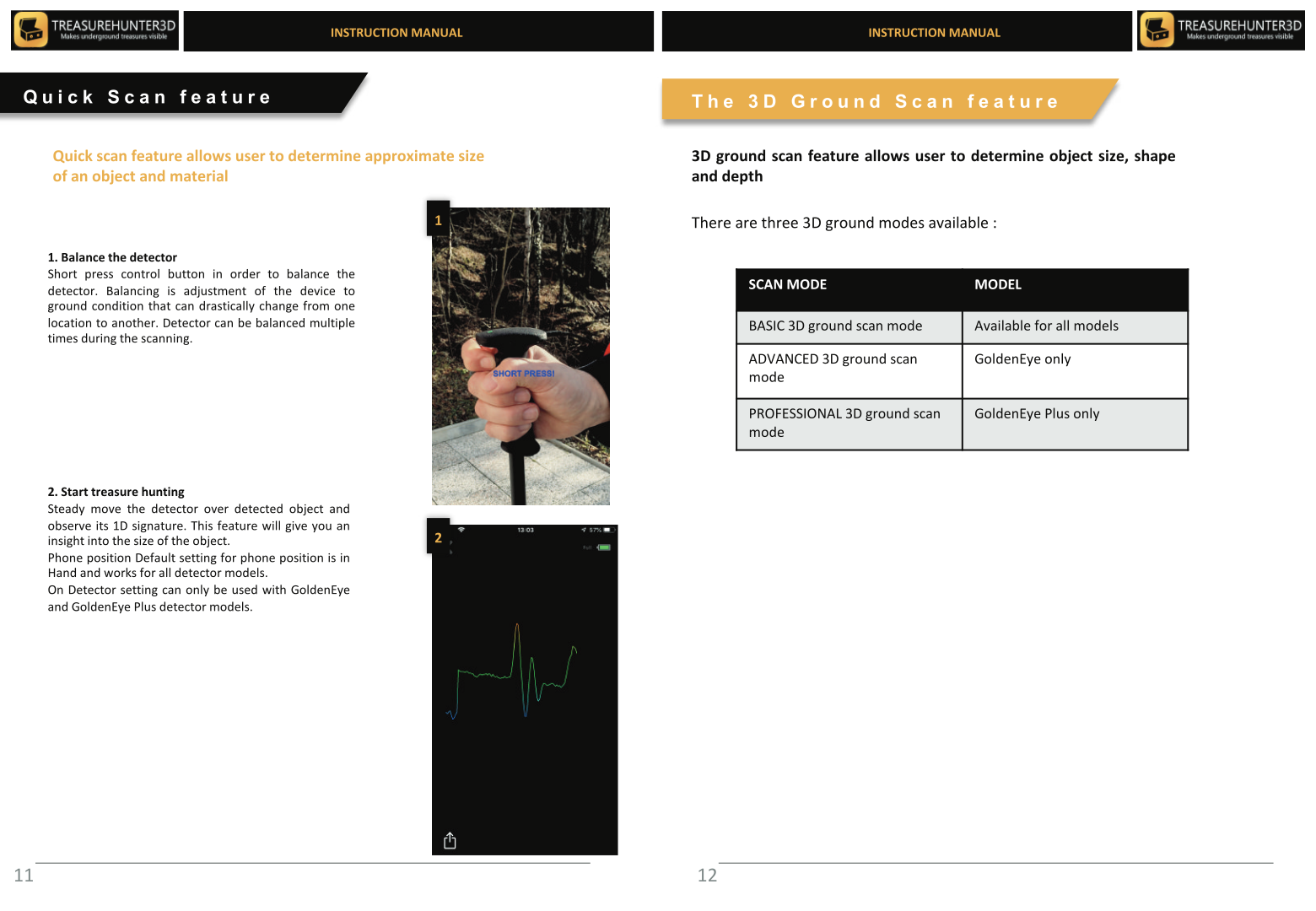
Quick Scan lets you perform a rapid single-pass sweep and immediately see the strongest signal point along the scan line — without building a full 3D map.
How to Use Quick Scan
- On the app home screen, tap Quick Scan.
- Press the control button on the detector to start recording.
- Walk slowly in a straight line over the area you want to check.
- Press the control button again to stop.
The app displays a 2D graph of the signal along your path. The highest peak on the graph marks the point directly above the most likely buried object.
When to Use Quick Scan
| Use case | Recommendation |
|---|---|
| First pass over an unknown area | Quick Scan to identify hotspots fast |
| Investigating a single point | Detector live view |
| Mapping a larger area in 3D | 3D Ground Scan |
tip
Use Quick Scan to narrow down the interesting area first, then switch to 3D Ground Scan to generate a full map of the best location.
Interpreting the Signal
The shape and color of the Quick Scan graph tell you what kind of material you've found. See Reading Colors and Shapes for the full color legend and signal-shape reference.

Handheld Detectors
TreasureHunter · GoldenEye · GoldenEye Plus · TreasureLight
From €1,799· ★★★★½ 4.8 (76 reviews)
TreasureHunter3D Visualizer — free app required to use your detector