Depth Estimation
After recording a 3D scan, the app can estimate the depth of a detected object beneath the surface based on the shape and width of the signal peak in the 3D map.
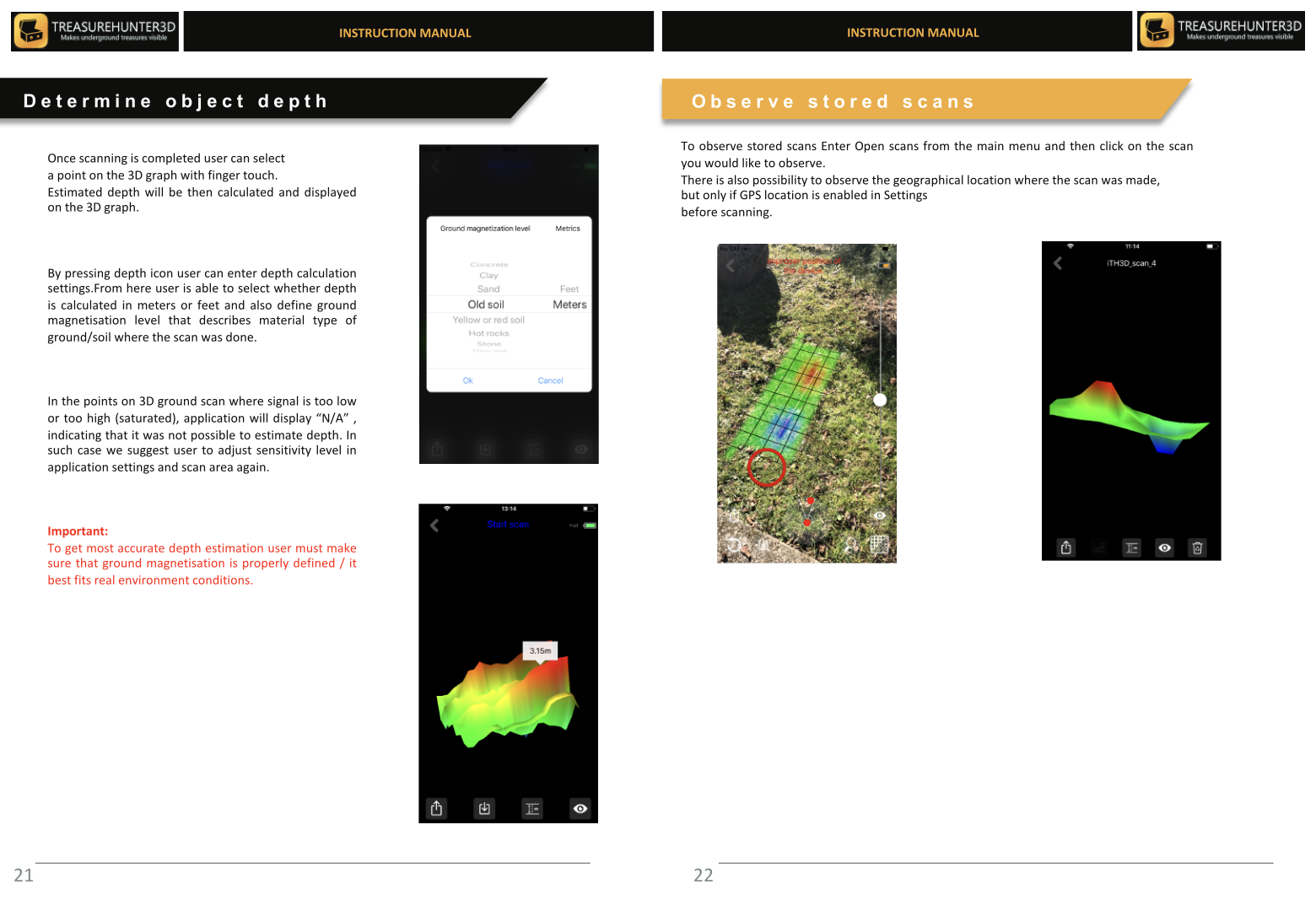
How to Use Depth Estimation
- Open a completed 3D scan from Stored Scans or view the live result immediately after scanning.
- Tap on a peak in the 3D map to select it.
- The app displays an estimated depth reading below the peak marker.
Understanding the Estimate
The depth estimate is calculated from the spread and amplitude of the signal anomaly. A narrow, sharp peak typically indicates a small or shallow object; a broader, flatter peak may indicate a larger or deeper target.
info
Depth estimation is an approximation. Soil composition, moisture, and object material all affect the signal shape. Use the estimate as a guide for where to investigate, not as a precise measurement.
Tips for Better Depth Accuracy
- Scan at a consistent, low sensor height (a few centimetres above the ground) for sharper signal peaks.
- Use high scan resolution (GoldenEye Plus) to capture fine detail around the target.
- Compare the estimated depth against the physical size of the anomaly on the map — very small peaks at high depth estimates are more likely to be noise.
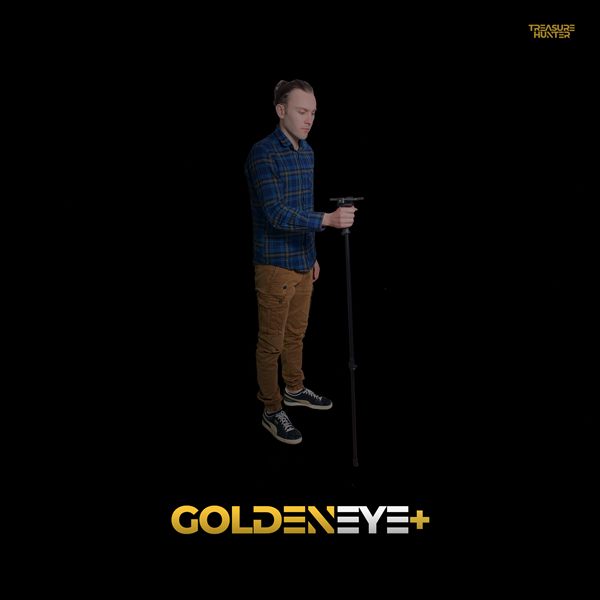
Handheld Detectors
TreasureHunter · GoldenEye · GoldenEye Plus · TreasureLight
From €1,799· ★★★★½ 4.8 (76 reviews)
TreasureHunter3D Visualizer — free app required to use your detector