Position Indicator
The Position Indicator is available on GoldenEye and GoldenEye Plus when using Advanced or Professional 3D scan mode.
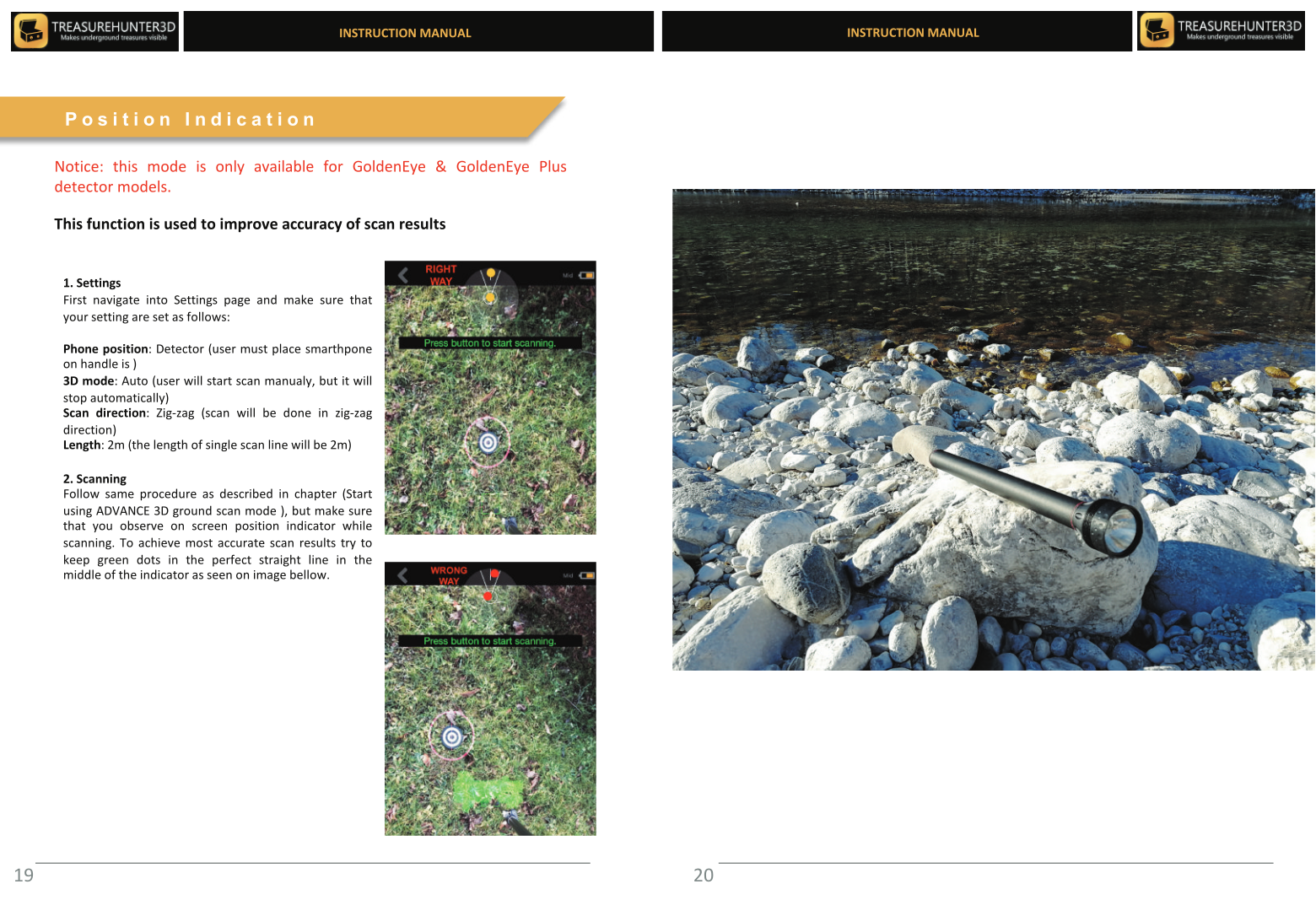
What It Does
The Position Indicator guides you to the correct position for your next scan line using the phone's GPS and compass. Instead of measuring the distance between scan lines manually, you follow the on-screen arrow and distance readout to stay evenly spaced across the scan area.
How to Use It
- Complete your first scan line.
- After stopping the line, the Position Indicator activates automatically.
- An arrow on screen points in the direction you should walk, and a distance counter counts down to zero as you approach the correct starting position for the next line.
- When the distance reaches 0, you are in the right position. Press the control button to start the next scan line.
Why Use It
Even spacing between scan lines is critical for an accurate 3D map. Without consistent spacing, the 3D model may show distorted peaks or miss targets that fall between lines.
The Position Indicator works best in open areas with good GPS signal. In areas with weak GPS (under dense tree cover, near tall buildings), manually pace out the distance between lines and use the indicator as a rough guide only.