3D Ground Scan Overview
3D Ground Scan records multiple parallel scan lines across an area and combines them into an interactive 3D map — letting you see the shape, location, and relative depth of buried objects.
Scan Modes by Model
| Mode | Available on | Description |
|---|---|---|
| Basic | All models | Manual scan lines recorded one at a time |
| Advanced | GoldenEye, GoldenEye Plus | Adds camera photo tagging and the Position Indicator |
| Professional | GoldenEye Plus only | AR overlay, larger scan areas, adjustable resolution |
Professional 3D requirements
Professional mode requires an iPhone 6S or later running iOS 11 or later.
How 3D Scanning Works
- Select 3D Ground Scan from the app home screen.
- Choose a scan mode (Basic, Advanced, or Professional — depending on your model).
- Record scan lines across the area in a parallel pattern.
- The app assembles each line into a 3D colour map in real time.
- When finished, view, rotate, and analyse the 3D model — then save it to Stored Scans.
Interpreting the 3D Map
The colour scale runs from cool to warm tones:
| Colour | Meaning |
|---|---|
| Blue / cool | Low signal — likely no target |
| Yellow / orange | Elevated signal — possible target |
| Red / warm | Strong signal — highest-probability target location |
Peaks in the 3D surface correspond to buried objects. Rotate and zoom the model to inspect peaks from multiple angles before deciding where to dig.
For a full breakdown of what each color and signal shape means, see Reading Colors and Shapes, Factors That Affect Scan Results, and 3D Scan Interpretation Examples.
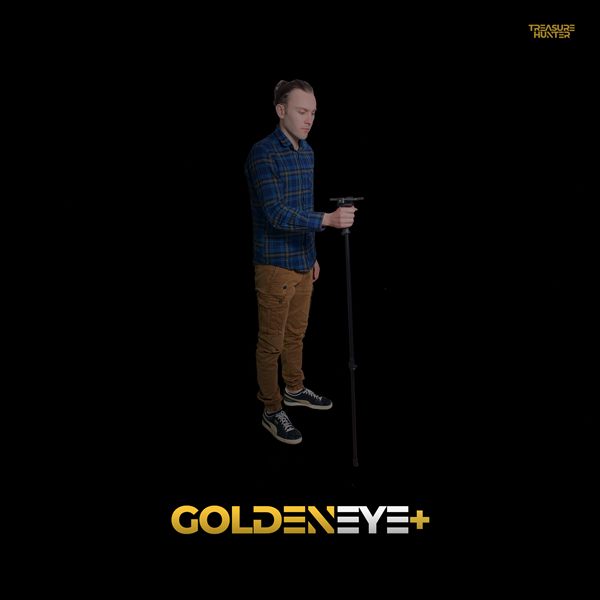
Handheld Detectors
TreasureHunter · GoldenEye · GoldenEye Plus · TreasureLight
From €1,799· ★★★★½ 4.8 (76 reviews)
TreasureHunter3D Visualizer — free app required to use your detector