Basic Mode
Basic mode is available on all handheld detector models. It records scan lines manually — one at a time — and builds a 3D map from the combined data.
Running a Basic 3D Scan
Step 1 — Set Up the Scan Area
Mark out a rectangular area on the ground. Walk the perimeter so you know the boundaries before you start scanning.
Step 2 — Start 3D Ground Scan
- Tap 3D Ground Scan on the app home screen.
- Select Basic mode.
- Set the scan direction in Settings:
- Parallel — walk straight lines all in the same direction
- Zig-zag — reverse direction at the end of each line
Step 3 — Record Scan Lines
- Stand at one edge of your scan area.
- Press the control button (short press) to start a scan line.
- Walk slowly and steadily to the opposite edge.
- Press the control button again to stop the scan line.
- Step sideways by your chosen scan resolution distance and repeat.
Step 4 — Complete the Map
Continue recording parallel lines until you have covered the entire area. The app updates the 3D view after each line is added.
Step 5 — View and Save
When finished, tap Stop to end the session. Review the 3D map, then tap Save to store it in Stored Scans.
tip
Keep a consistent walking speed and sensor height between scan lines for the most accurate 3D result. Inconsistent height causes false peaks or flat spots in the map.
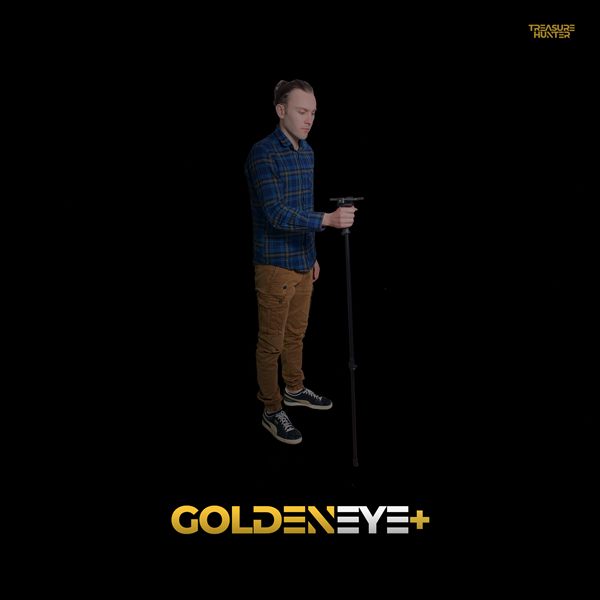
Handheld Detectors
TreasureHunter · GoldenEye · GoldenEye Plus · TreasureLight
From €1,799· ★★★★½ 4.8 (76 reviews)
TreasureHunter3D Visualizer — free app required to use your detector