Browse Stored Scans
The scan browser lets you open and review any previously saved 3D ground scan.
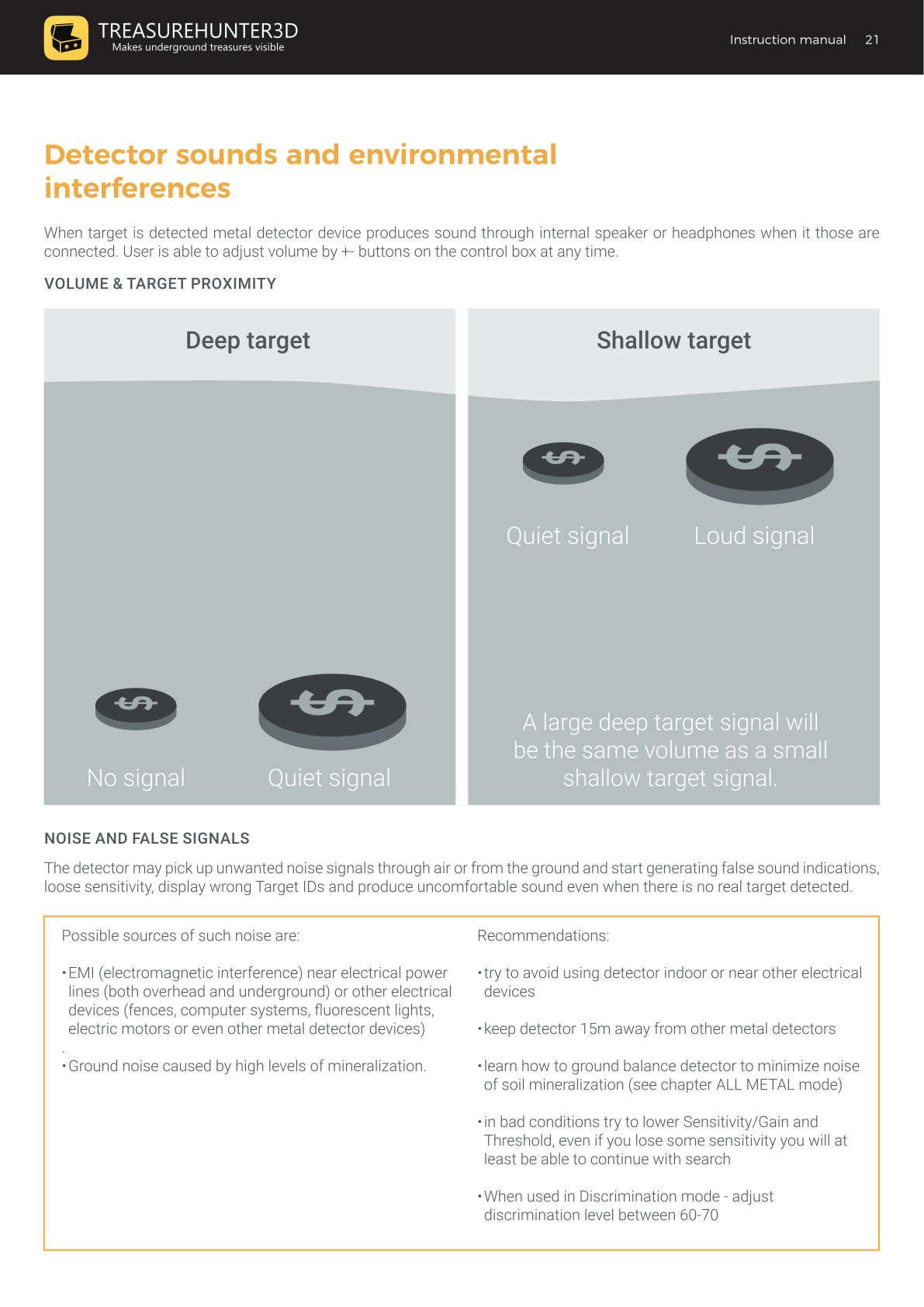
Accessing Stored Scans
From the main menu, tap Open Scan.
Each scan is listed with:
- A unique name you assigned when saving
- The date and time of the scan
- The GPS location where the scan was recorded (if GPS was enabled in Settings)
Tap any scan to open it in the 3D ground scan viewer.
In the Viewer
Once a stored scan is open, you can:
- View the scan in 2D or 3D
- Rotate, zoom, and pan using standard iOS touch gestures
- Enable smart processing to enhance target shapes
- Share the scan as an image or CSV export
GPS Location Storage
GPS tagging for stored scans is off by default. To enable it, go to Settings and turn on the GPS location option. Once enabled, all future scans will be saved with their real-world coordinates.
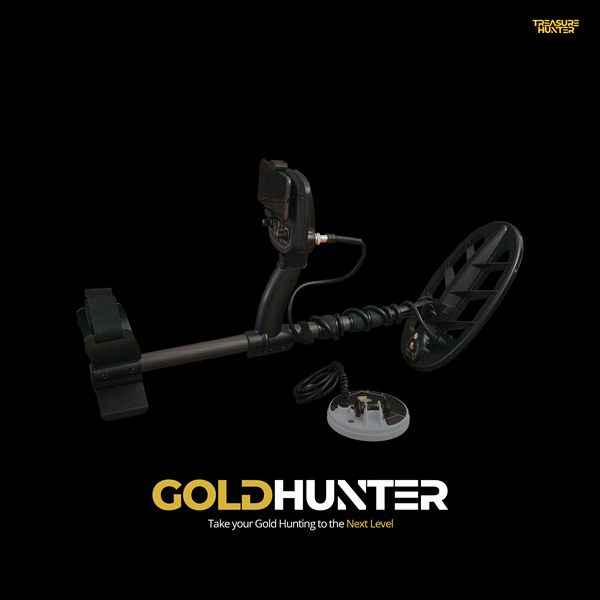
GoldHunter
Metal Detector with 3D Smartphone Visualization
€2,499· ★★★★½ 4.8 (36 reviews)
GoldHunter — free iOS app required for 3D scanning