Connecting to the App
Step 1 — Install the GoldHunter App
Download GoldHunter on App Store
Download and install the GoldHunter iOS application from the App Store, or visit:
info
To use all GoldHunter features (including 3D Ground Scan with AR), an iPhone 6s or later is required.
Step 2 — Enable Bluetooth
Make sure Bluetooth is turned on in your iPhone's Settings.
Step 3 — Turn On the Detector and Open the App
- Hold the Power button for 3 seconds to turn the detector on. The LED turns green.
- Launch the GoldHunter app.
- The app will connect automatically. Once connected, the LED turns blue.
The detector is now ready to use.
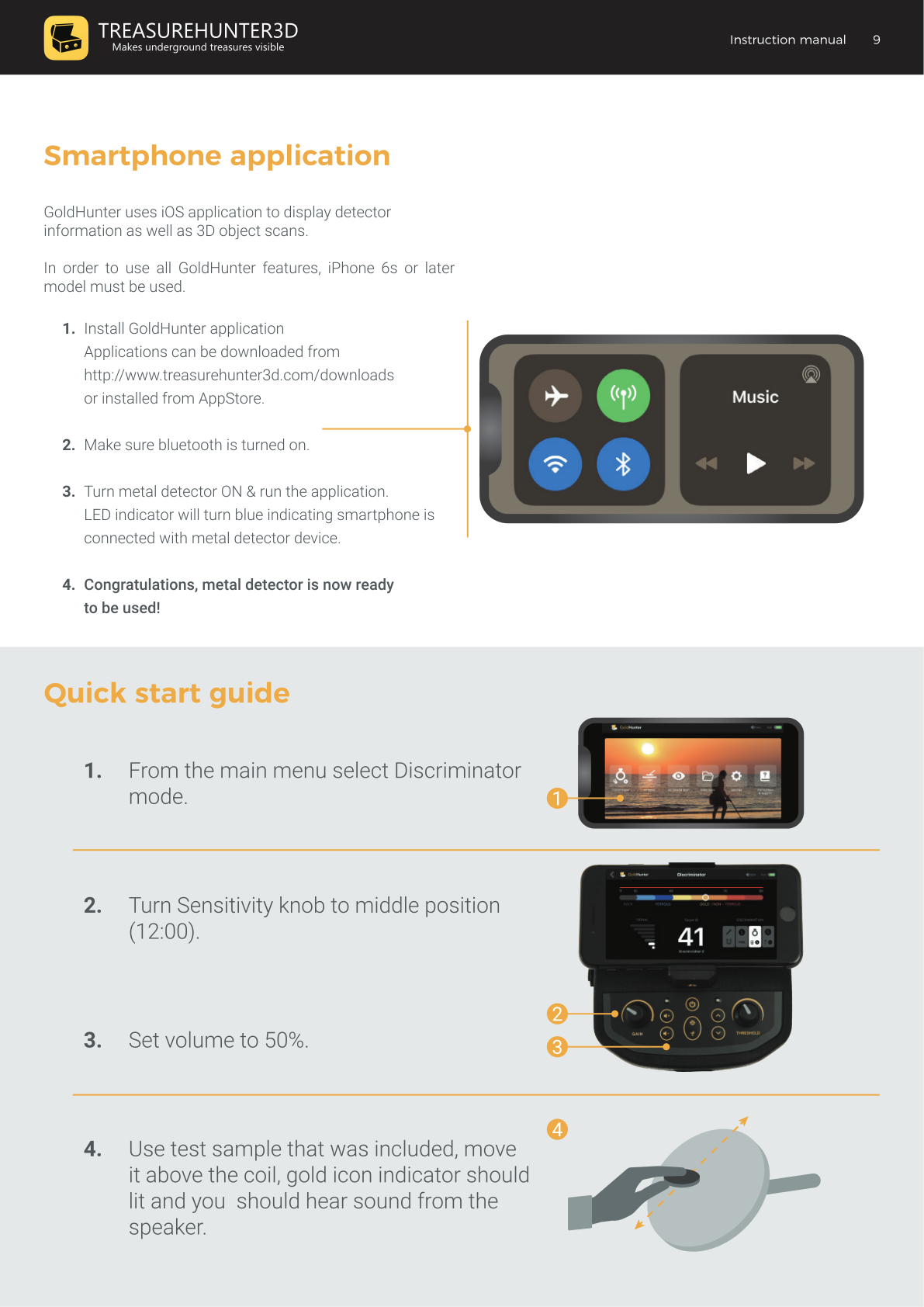
Connectivity Splash Screen
If the app cannot find the detector, a connectivity splash screen appears. Check:
- Battery is installed and not empty.
- The detector is turned on (LED is green or blue).
- Bluetooth is turned on in your iPhone's Settings.
- The smartphone is mounted in the device holder.
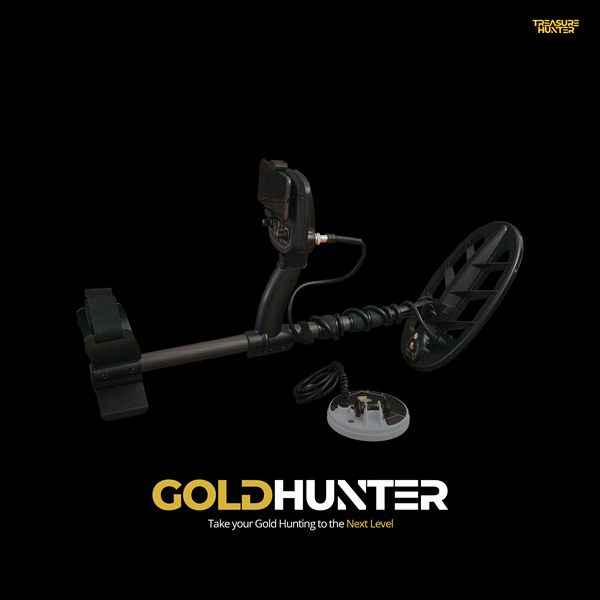
GoldHunter
Metal Detector with 3D Smartphone Visualization
€2,499· ★★★★½ 4.8 (36 reviews)
GoldHunter — free iOS app required for 3D scanning