Sensor Settings & Calibration
Access sensor settings from Settings menu → Sensor Settings tab.
Sensor Sensitivity
Sensitivity controls how strongly the sensor responds to underground objects and anomalies.
| Profile | When to use |
|---|---|
| HIGH | Recommended starting point — detects small and large objects |
| MED | When HIGH produces too many false positives |
| LOW | When you only want to detect very large, massive objects |
| CUSTOM | Advanced users — manually tune all parameters |
Always start with HIGH sensitivity. Reduce it only if the signal is too strong or produces excessive noise.
Custom Sensitivity Profile
The custom profile gives you three adjustable parameters:
Stability Limit
Controls how much drone movement is tolerated before a reading is marked as invalid (gray).
| Value | Effect |
|---|---|
| Low | Drone must fly very stably; invalid readings are filtered out aggressively |
| High | More tolerant of movement; useful in windy conditions, but readings may be less reliable |
Sensitivity Range
Two sliders control the signal thresholds:
- Left slider — Sensitivity Threshold: Signals below this level are displayed in green (nothing detected). Increase this to filter out environmental noise or ignore small targets.
- Right slider — Sensitivity Level: Signals that reach this level are displayed in red (highest probability). Lowering this makes smaller targets appear red sooner; raising it compresses the range.
In summary: signals below the threshold → green. Signals between threshold and level → yellow. Signals at or above level → red.
Sensor Calibration
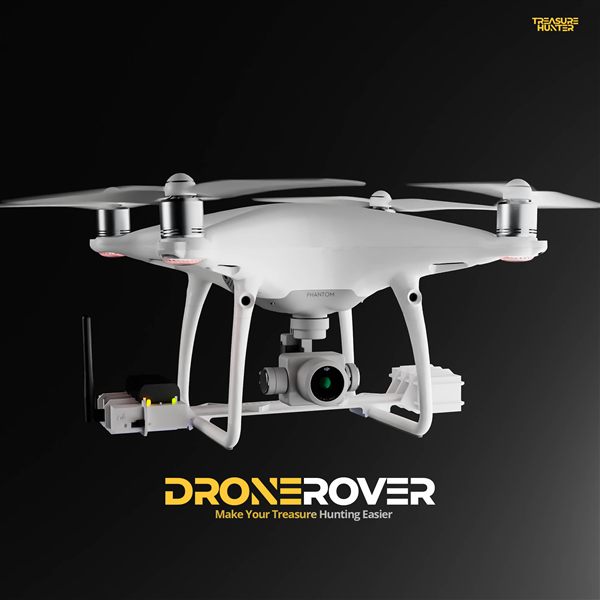
DroneRover has an integrated error-correction system that must be calibrated after the sensor is mounted on the drone.
Calibration Procedure
- Go to a location with no metallic objects within 50 m. Remove any metal items you are wearing.
- Open the DroneRover app and verify all indicators show the system is connected and ready.
- Open the Settings menu → Sensor Settings tab.
- Press Calibrate and follow the on-screen procedure.
Repeat calibration periodically, and always after re-mounting the sensor on the drone.