Reading Scan Results
As the drone flies over the selected area, scan results are updated on the map in real-time. Each grid cell is colored based on the probability of a detected underground object.
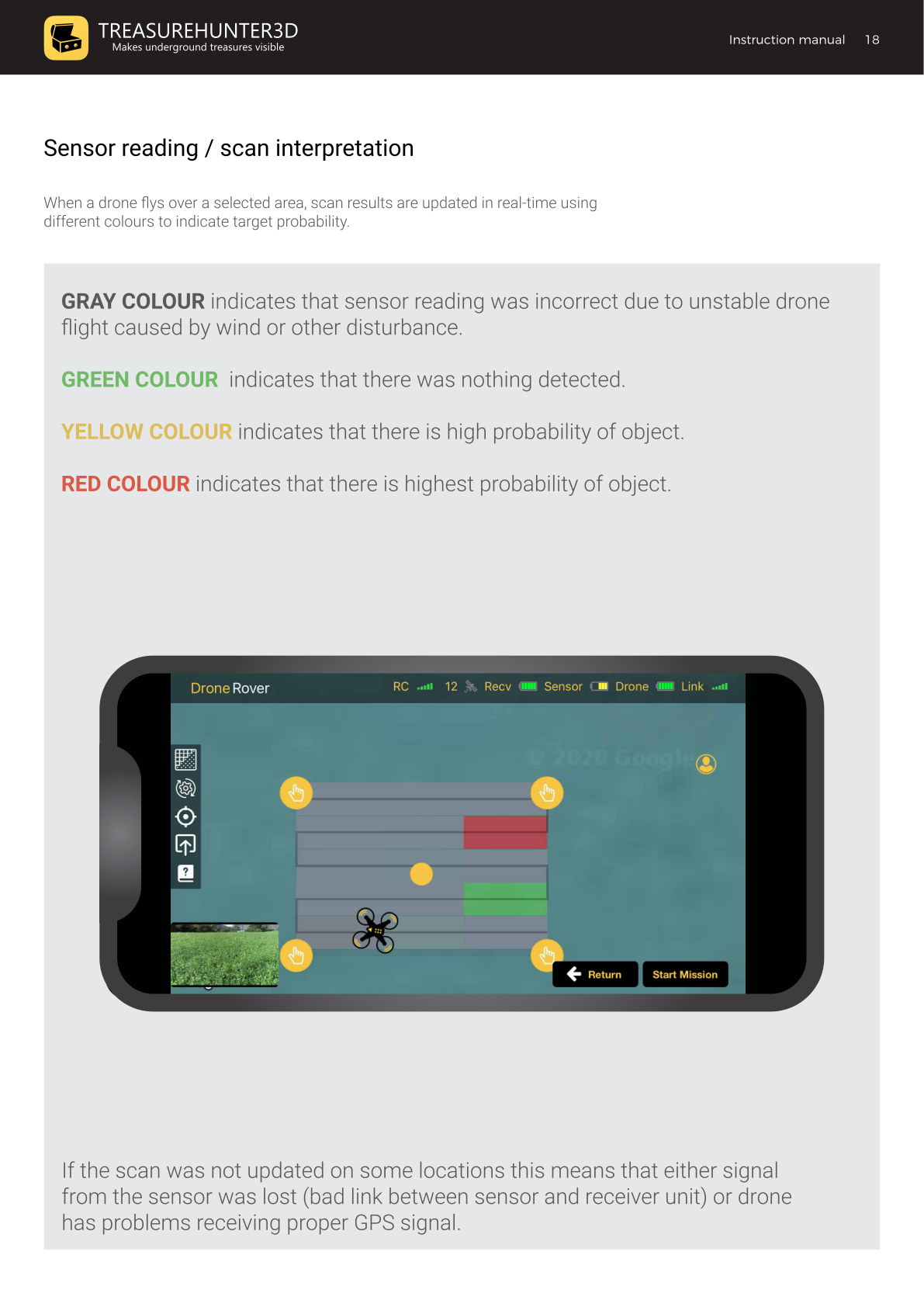
Color Legend
| Color | Meaning |
|---|---|
| Gray | Sensor reading was invalid — unstable drone flight (wind or other disturbance) |
| Green | Nothing detected |
| Yellow | High probability of an object |
| Red | Highest probability of an object |
Tips for Interpreting Results
- Red and yellow cells mark areas worth investigating further. The strongest signal (darkest red) is closest to the target's actual position.
- Gray cells indicate a flight disturbance at that moment. Re-scan those rows on a calmer day or at a lower altitude.
- Blank / missing cells mean either the sensor signal was lost (check the Link indicator) or the drone had insufficient GPS signal at that location.
Improving Scan Accuracy
| Issue | Solution |
|---|---|
| Many gray cells | Fly slower and lower; avoid windy conditions |
| Blank cells | Check antenna connections; ensure the drone has a clear view of the sky |
| Results look noisy | Reduce sensor sensitivity or use a custom sensitivity profile |
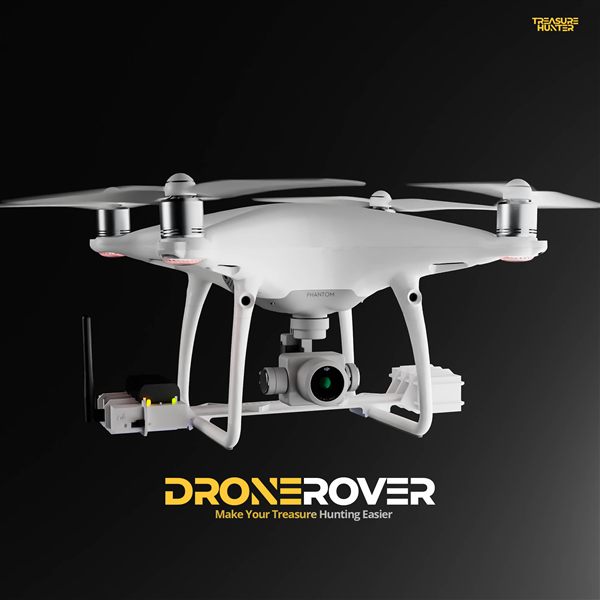
DroneRover
Aerial Underground Scanner — DJI Phantom 4 Advanced
€5,299· ★★★★½ 4.9 (18 reviews)
DroneRover — free iOS app required to operate the system