Before You Start
Complete this checklist every time before launching a scanning mission.
Choose a Safe Test Area
For your first scan, find an area that is:
- Unpopulated and flat
- Free of obstacles (trees, buildings, power lines)
- Away from animals and other people
A meadow or open field is ideal.
Pre-Flight Checklist
1. Position the drone
Place the drone on a flat, clean surface with clear surroundings for safe launching and landing.
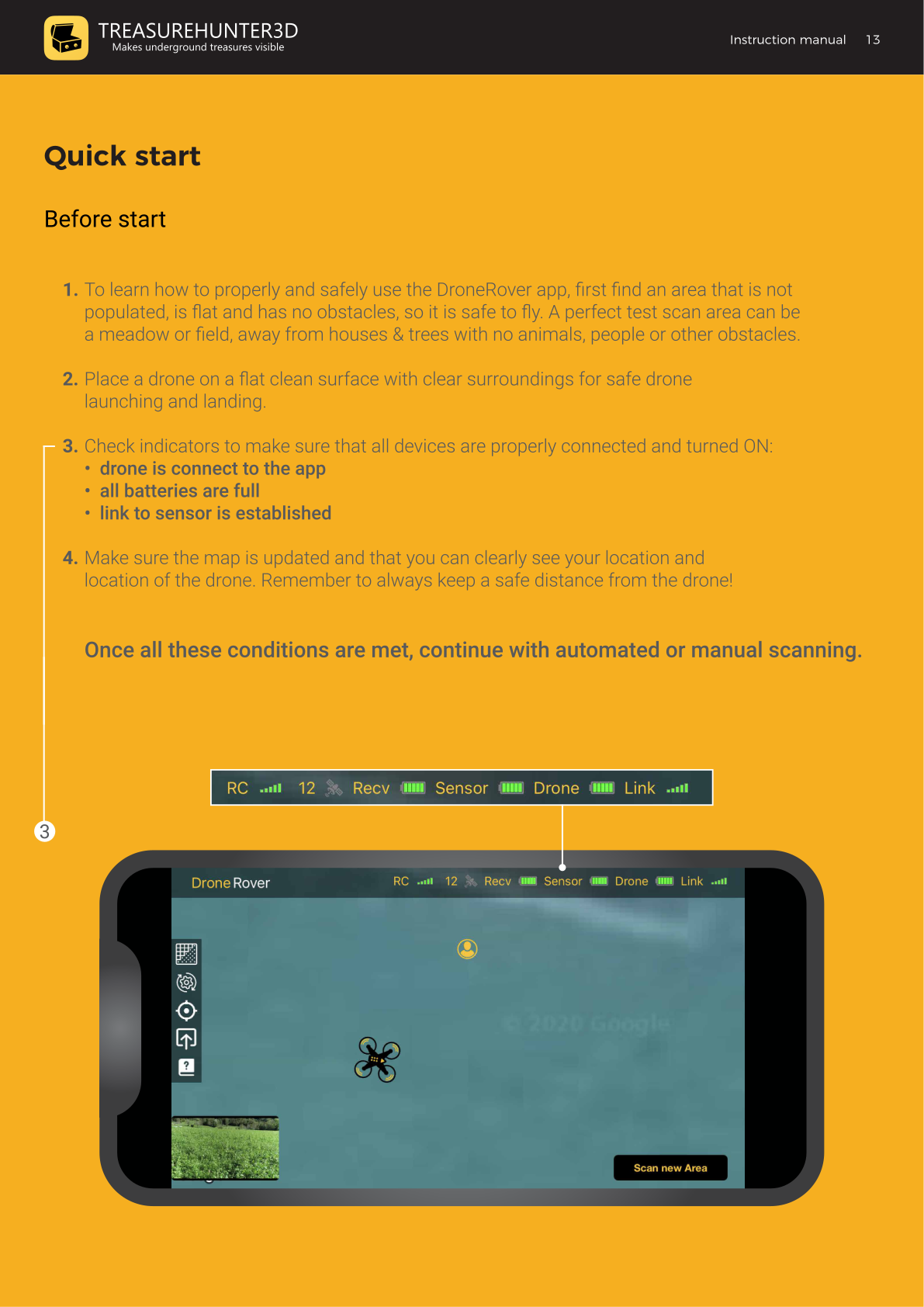
2. Verify all indicators in the app
Confirm the following in the DroneRover app status bar:
| Indicator | Required State |
|---|---|
| Drone | Connected to the app |
| Rcvr (Receiver) | Battery full, link indicator OK |
| Sensor | Battery full, sensor link OK |
| Link | Signal full / strong |
3. Check the map
- Confirm the map is loaded and up to date.
- Verify that you can see both your location and the drone's location on the map.
- Keep a safe distance from the drone at all times.
Once all conditions are met, proceed to Automated Scanning or Manual Scanning.
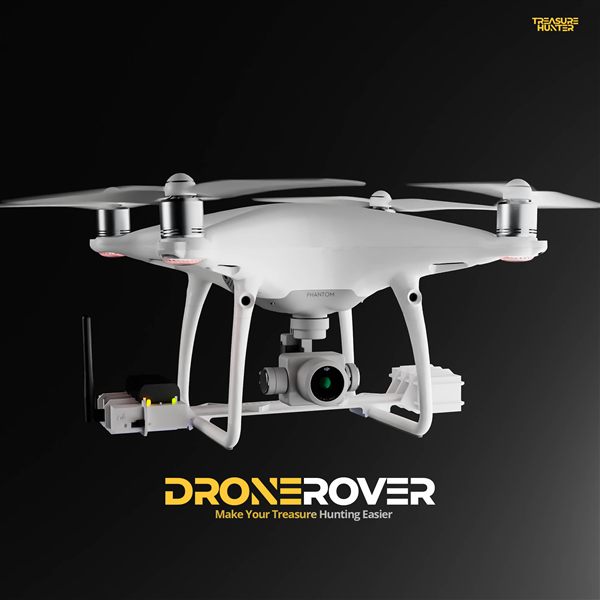
DroneRover
Aerial Underground Scanner — DJI Phantom 4 Advanced
€5,299· ★★★★½ 4.9 (18 reviews)
DroneRover — free iOS app required to operate the system