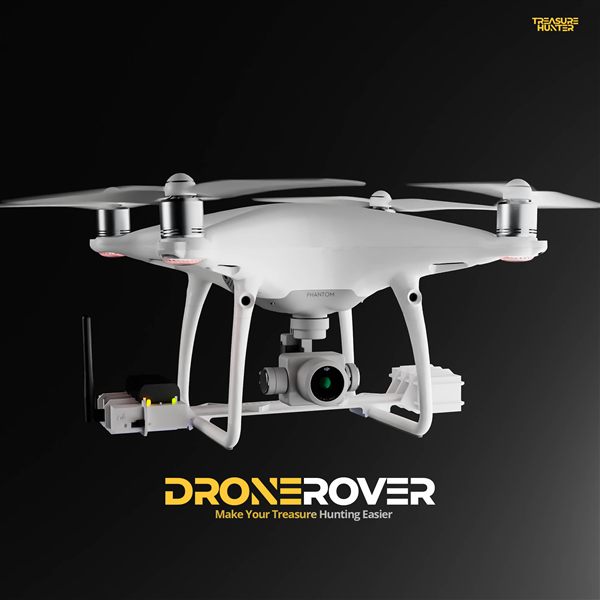
DroneRover Prerequisites — DJI Phantom 4 & Requirements
Before setting up your DroneRover sensor, you must be comfortable operating the DJI Phantom 4 drone. Do not skip this step.
Short overview of the DroneRover aerial metal detection system and how it works.
DroneRover in action — aerial scan over a large field with real-time 3D heat map.
Learn the DJI Phantom 4
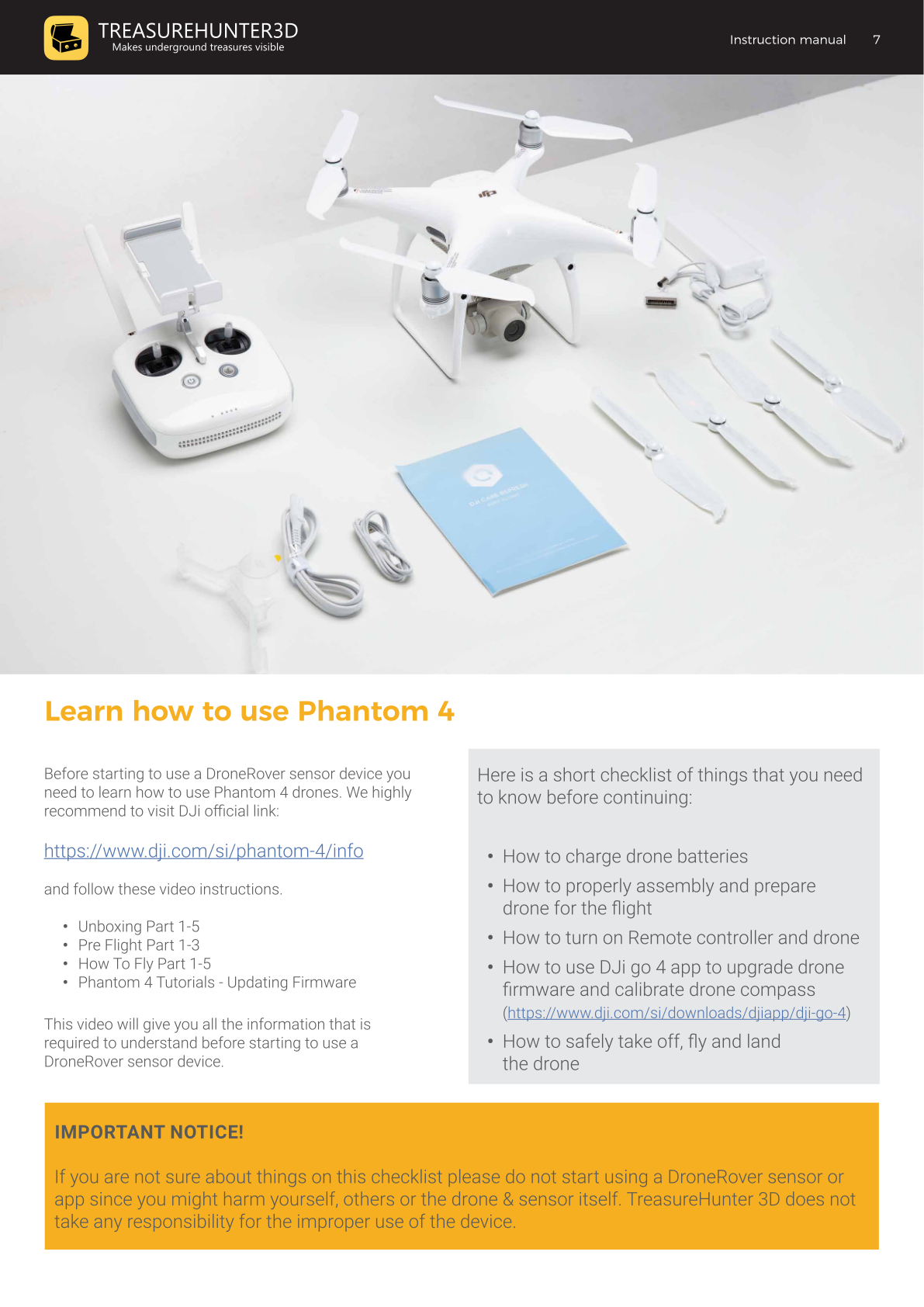
Visit the DJI Phantom 4 official page and complete the following video tutorials:
- Unboxing — Parts 1–5
- Pre-Flight — Parts 1–3
- How to Fly — Parts 1–5
- Phantom 4 Tutorials — Updating Firmware
Checklist before continuing
Make sure you know how to:
- Charge drone batteries
- Properly assemble and prepare the drone for flight
- Turn on the remote controller and drone
- Use the DJI Go 4 app to upgrade drone firmware and calibrate the drone compass
- Safely take off, fly, and land the drone
If you are not confident with any item on this checklist, do not start using the DroneRover sensor or app. Improper use may harm yourself, others, or the drone and sensor. TreasureHunter3D does not accept responsibility for improper use of the device.
DJI Go 4 App: https://www.dji.com/si/downloads/djiapp/dji-go-4
What You Need
Included in the box
| Item | Description |
|---|---|
| DroneRover Sensor Unit | Mounts on the drone; detects targets |
| DroneRover Receiver Unit | Receives sensor data and forwards it to your smartphone |
Not included — required separately
| Item | Notes |
|---|---|
| 4× AA alkaline batteries | Non-rechargeable only |
| DJI Phantom 4 Advanced | Recommended — enables full automatic flight mode via the DroneRover app |
| Other drones | Fast Scan feature and manual flying only (automatic mode not available) |
| iPhone 6 or newer | Required to run the DroneRover iOS app |
What Can DroneRover Detect?
DroneRover uses a high-sensitivity 3D magnetic sensor that measures variations in the earth's magnetic field from the air. Unlike handheld detectors, it can survey large areas quickly from altitude.
| Target type | Examples |
|---|---|
| Metallic objects | Buried coins, relics, artillery shells, pipes, underground structures |
| Non-metallic anomalies | Buried voids, tunnels, caves, underground rooms |
| Geological features | Ore deposits, fault lines, soil composition changes |
Detection sensitivity depends on flight altitude, scan resolution, and target size. Lower altitude produces stronger sensor readings but covers less area per flight. See Technical Specifications for full sensor range details.
Frequently Asked Questions
Does DroneRover work with drones other than DJI Phantom 4?
Yes — DroneRover can be attached to any drone. The DJI Phantom 4 Advanced is recommended because it enables full automatic flight mode via the DroneRover app. With other drones, only the Fast Scan feature and manual flying are available.
Is the DroneRover app available for Android?
No. The DroneRover app is iOS only and requires an iPhone 6 or newer.
How large an area can DroneRover scan per flight?
At 10 m altitude with LOW resolution: approximately 5,000–10,000 m² per battery. At 10 m with HIGH resolution: approximately 1,000–3,000 m². Lower altitude gives stronger sensor readings but covers less area per flight.
Can DroneRover detect non-metallic objects?
Yes. DroneRover uses a 3D magnetic sensor that detects variations in the earth's magnetic field — including buried metals, voids, tunnels, underground rooms, and geological anomalies.