Manual Scanning Mode
When MANUAL is selected in Flight Settings, you fly the drone yourself while the app records sensor data.
Starting a Mission
- Press Scan new area to enter area selection mode.
- Draw the scan rectangle on the map.
- Press Start Mission. The app verifies GPS signal, battery, and drone status.
- Choose a takeoff option from the dialog:
- Auto take off — drone lifts off on its own.
- Manual take off — you use the remote controller to take off.
Scanning the Selected Area
After takeoff, fly the drone manually over the marked area. The app maps sensor readings to GPS positions in real-time.
For best results:
- Fly at constant altitude from the ground throughout each pass.
- Maintain a constant speed of 2–3 m/s.
- Fly as close to the ground as possible (0.5 m is optimal).
- Avoid fast or jerky movements — instability causes grey (invalid) readings.
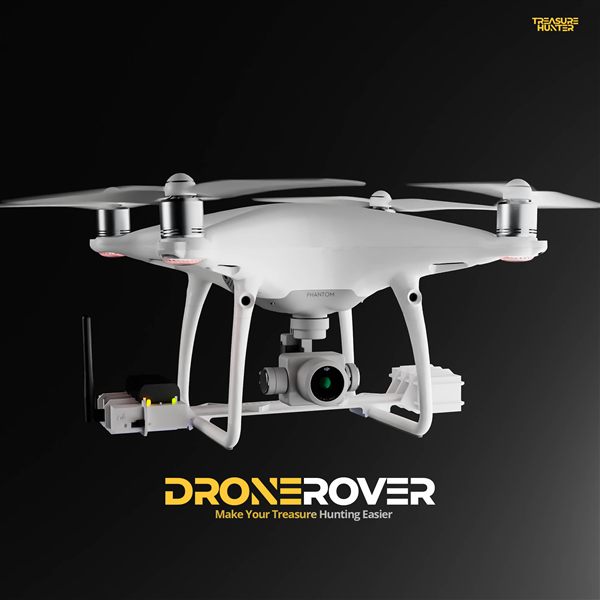
DroneRover
Aerial Underground Scanner — DJI Phantom 4 Advanced
€5,299· ★★★★½ 4.9 (18 reviews)
DroneRover — free iOS app required to operate the system