Exporting & Sharing Scan Data
After a scan you can share the results in two formats.
How to Export
Tap the share icon (upload arrow) in the app. A dialog appears with these options:
| Option | Format | Use case |
|---|---|---|
| Share Snapshot | PNG image | Quick sharing via email, messaging apps, or social media |
| Share CSV | Comma-separated values (.csv) | Import into 3D mapping or GIS software for further analysis |
CSV Format
The CSV export contains GPS coordinates and sensor values for each recorded data point with three columns:
| Column | Field | Description |
|---|---|---|
| A | long | Longitude (X axis) |
| B | lat | Latitude (Y axis) |
| C | value | Sensor reading (Z axis) |
This data can be imported into third-party mapping and visualization tools to create heat maps or 3D terrain overlays of scan results.
Advanced visualization
For step-by-step instructions on importing your CSV into Golden Software Surfer (for 3D contour maps) or Google Earth (for satellite overlay), see the Export to Surfer & Google Earth guide.
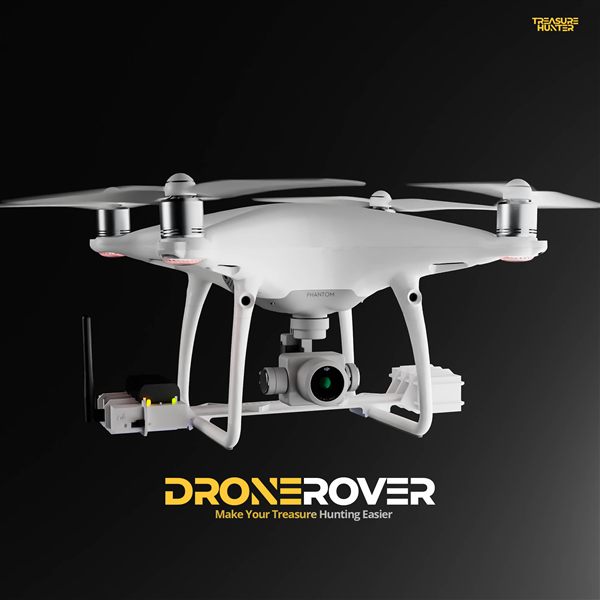
DroneRover
Aerial Underground Scanner — DJI Phantom 4 Advanced
€5,299· ★★★★½ 4.9 (18 reviews)
DroneRover — free iOS app required to operate the system