Automated Scanning Mode
When AUTO is selected in Flight Settings, the app controls the entire flight path.
Starting a Mission
- Press Scan new area to enter area selection mode.
- Draw the scan rectangle on the map.
- Press Start Mission.
- Confirm drone take-off in the dialog.
The drone takes off, flies to the selected area, scans it in parallel passes, and returns to its home position to land automatically.
Aborting a Mission
Press the Abort mission button at any time during a flight. The drone stops scanning and holds its current position. You are then presented with four options:
| Option | Description |
|---|---|
| Return Home | Drone flies back and lands at its home position* |
| Take Manual Control | You take over with the remote controller |
| Continue | Resume the paused mission |
| Land | Land immediately at the current position |
* If the drone is very close to home when aborted, it will land at the abort position.
You can also press the Home button on the remote controller at any time to return the drone to its home position.
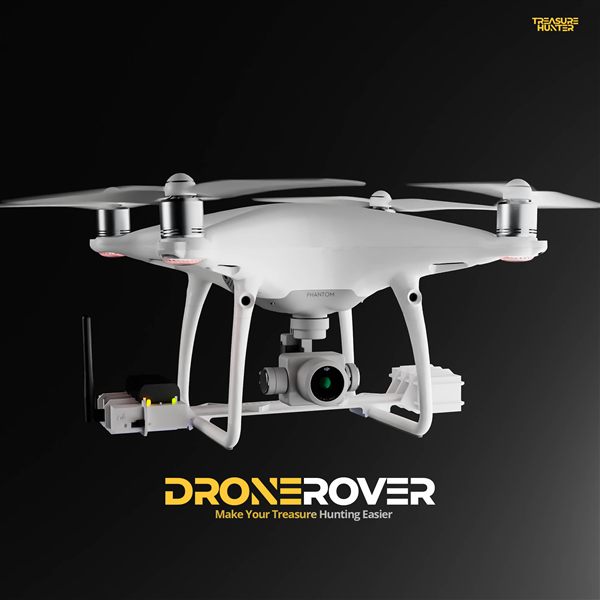
DroneRover
Aerial Underground Scanner — DJI Phantom 4 Advanced
€5,299· ★★★★½ 4.9 (18 reviews)
DroneRover — free iOS app required to operate the system